How to Run AI Models Locally on Your PC (South Africa)
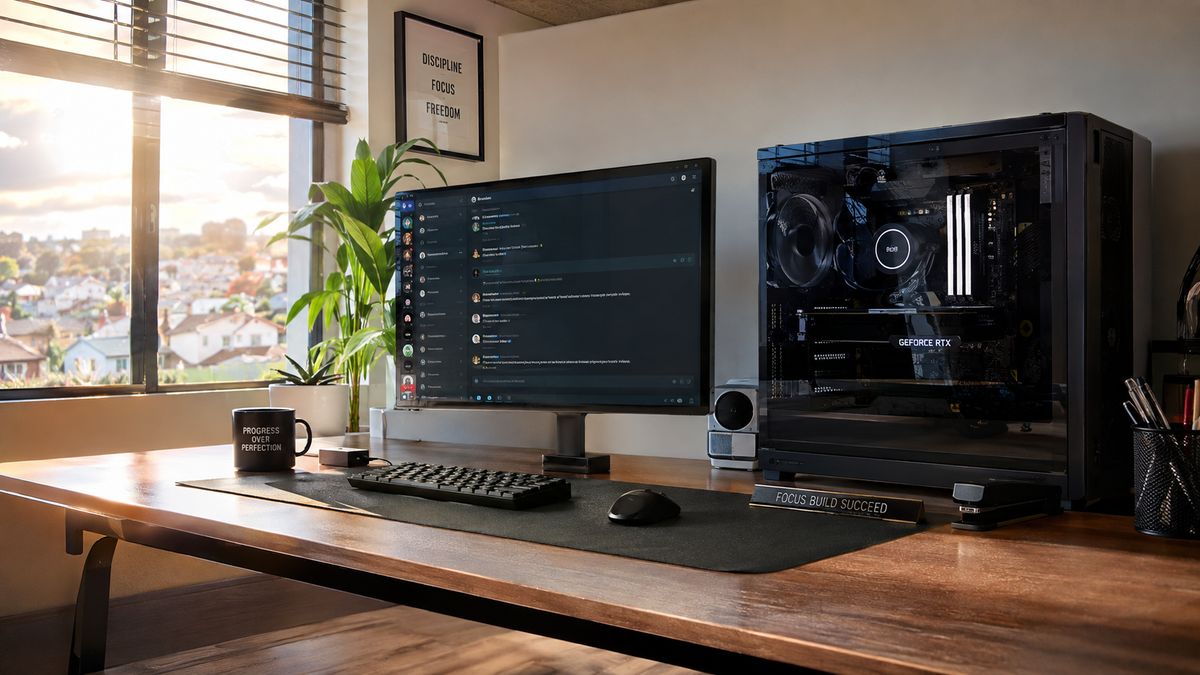
In our August Tech Index, graphics cards dominated local search demand with 92 searches (+2.7% month-over-month). While gaming has always been the big driver, more and more South African builders are upgrading their GPUs for a completely different reason: running AI models directly on their own desktops.
There’s a lot of gatekeeping and technical jargon around artificial intelligence, but the truth is simple: you don’t need a corporate enterprise budget or a paid monthly subscription to run powerful AI. If you have a decent graphics card, you can run large language models (LLMs) and image generators locally, completely offline, and 100% free.
Here is everything you need to know about what AI models your PC can run, the best tools to set them up in under 5 minutes, and the hardware you actually need to pull it off.
Why Run AI Locally in South Africa?
Most people use cloud-based tools like ChatGPT or Claude. While convenient, local AI offers three massive advantages for local users and small businesses:
- Loadshedding & Offline Proof: Local AI runs directly on your hardware. If your internet goes down or load-shedding knocks out local towers, your AI assistant keeps working without a glitch.
- Total Data Privacy: Your prompts, business documents, and client data never leave your hard drive. Nothing is sent to external servers or used to train public models.
- Zero Subscription Fees: No monthly bills that get pricier every time the Rand fluctuates.
The 2 Best Tools to Get Started (No Coding Required)
You don’t need to touch a command prompt or write a single line of Python code to get started. Two free tools handle all the heavy lifting:
LM Studio (Best for Everyone)
LM Studio is hands-down the easiest starting point. It works just like an app store: search for open-source models (like Meta’s Llama 3.1, Mistral, or Qwen 2.5), click download, and start chatting in a clean interface that looks just like ChatGPT. It also handles the tricky quantization (compression) automatically, finding the optimal 4-bit versions to save VRAM.
Ollama (Best for Techies & Integrations)
If you want to connect your local AI into other apps, developer setups, or local automation scripts, Ollama runs quietly in the background as a lightweight engine. It is fast, command-line friendly, and downloads models with a single terminal prompt.
The Hardware Reality: VRAM Rules Everything
When running AI locally, your CPU speed doesn’t matter nearly as much as your Graphics Card’s VRAM (Video RAM).
When you load an AI model, the entire model gets stored directly inside your GPU’s memory. If the model is bigger than your VRAM, it spills over to your system RAM, slowing response times down from seconds to minutes.
Here is how local AI hardware breaks down across different VRAM tiers — and which graphics cards in stock on Supplyd match each tier:
| Hardware Tier | Required VRAM | AI Capabilities | Best GPU Match |
|---|---|---|---|
| Entry-Level AI | 8GB VRAM | Lightweight 7B–8B models (Llama 3.1 8B, Mistral 7B) at standard quantization. Great for basic drafting and coding help. | Asus PRIME RTX 5060 OC 8GB — R9,999 |
| The Sweet Spot | 12GB–16GB VRAM | 12B–14B models (Qwen 2.5 14B) with lightning-fast response speeds and complex multi-step reasoning. | MSI RTX 5070 Shadow 12GB — R17,229 or MSI RTX 5080 VENTUS 16GB — R34,999 |
| The AI Heavyweight | 24GB+ VRAM | Massive 30B–70B models, local document processing (RAG), and fast image generation. | MSI RTX 5090 VENTUS 32GB — R94,559 |
Upgrading your graphics card for AI? Make sure your system memory keeps up. As noted in the August Tech Index, RAM searches grew +2.3% this month — we recommend pairing any AI GPU upgrade with at least 32GB of system RAM, like the Patriot Viper Steel 32GB (2×16GB) 3600MHz DDR4 kit — R7,819.
Don’t Want to Build an AI PC? Meet “Ask Syd”
Not ready to invest in a dedicated local AI rig just yet, but still want AI to streamline your shopping and technical specs? We’ve already done the heavy lifting for you.
Meet Ask Syd — Supplyd’s AI-powered personal shopper built directly into our site.
Instead of digging through specs, compatibility charts, and search bars, you can ask Syd plain-English questions like:
- “What graphics card do I need to run Llama 3 on a budget?”
- “Find me a compatible 16GB RAM kit for an AM4 motherboard under R1,500.”
Syd analyses our live local inventory in real-time to find exact stock matches, specs, and pricing — giving you instant tech expert advice without any sales pitch.
Frequently Asked Questions
Can I run AI on a 4GB graphics card?
Technically yes, but you will be heavily restricted. A 4GB GPU can run small 3B parameter models (like Qwen 2.5 3B or Phi-3) using heavy compression. For a smooth experience with standard models like Llama 3, 8GB is the recommended baseline — which is exactly what our RTX 50-series entry cards start at.
How much hard drive space do local AI models need?
An average 8B parameter model requires about 4GB to 6GB of storage space. We recommend installing your models on a high-speed NVMe SSD — which saw a +1.9% search increase on Supplyd this month — for fast initial load times. The HIKSEMI Wave(P) 1TB NVMe gives you room for dozens of models.
Is running local AI legal and safe?
Yes. Open-source models released by Meta, Mistral, Microsoft, and Google are completely legal to download and use locally for personal and commercial projects.
The Bottom Line
You don’t need a server farm to tap into artificial intelligence. With an 8GB to 16GB VRAM graphics card, a fast SSD, and free software like LM Studio, you can have a private, load-shedding-proof AI assistant running on your desk today.
Ready to Build Your Local AI Rig?
Explore our full catalogue of high-VRAM graphics cards, RAM kits, and storage on Supplyd today — or ask Ask Syd to build your hardware package for you. For a whole team, our IT support specialists will spec everything with you.
Product details, prices and availability change often. Always confirm on the product page before purchasing. See our Terms for details.