Computer repair and support you can actually call
PC and laptop repair, diagnostics and custom builds in Johannesburg. Clear, up-front quotes before any work begins.
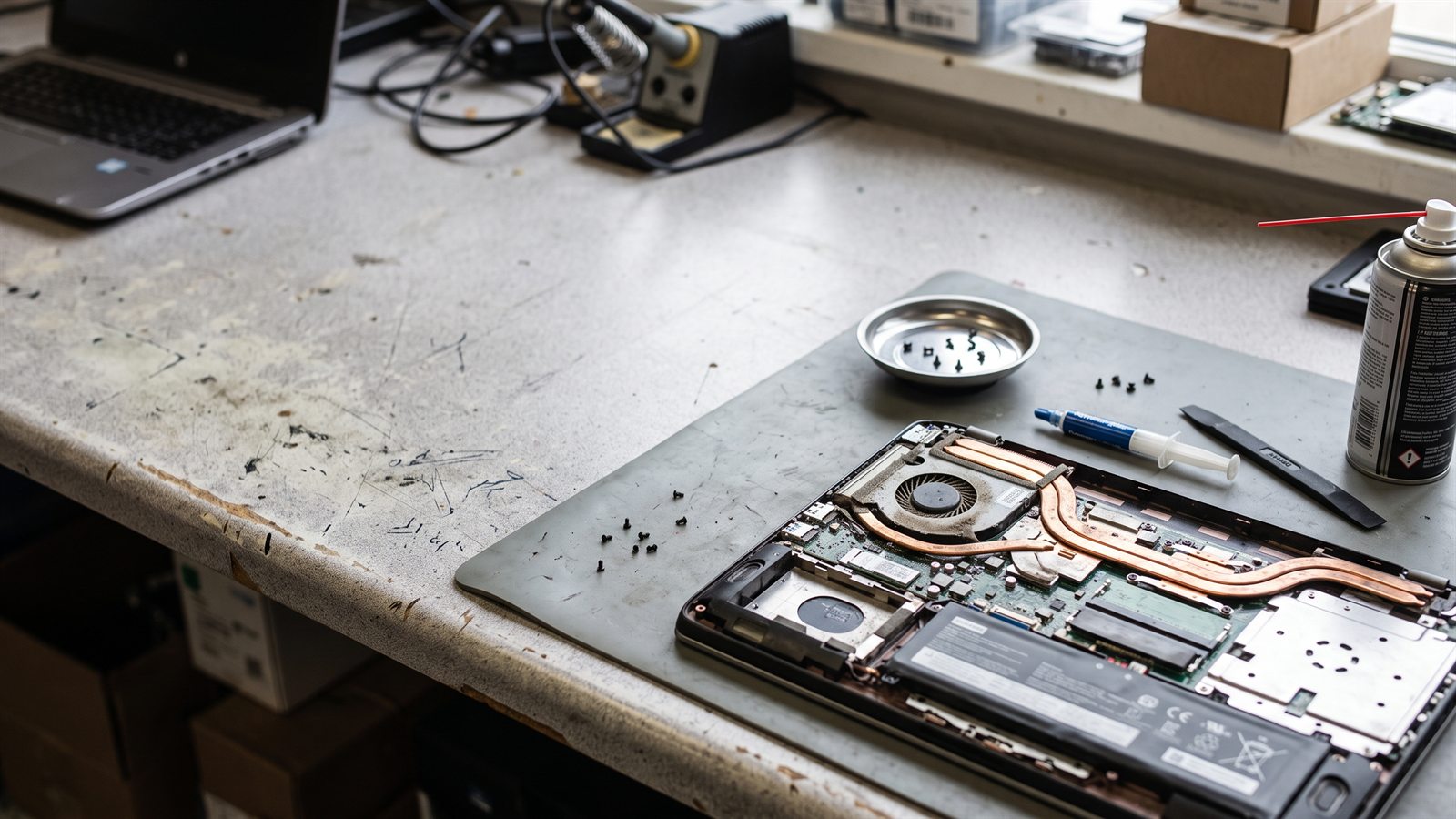
What we repair and build
One-off fixes and full builds, no ticket queues, just clear work.
PC & Laptop Repair
Won't boot, overheating, cracked screens, dying batteries, keyboard or port failures, diagnosed properly and fixed with parts you can see on the quote. A machine that won't start is usually one component letting the whole thing down; we find it before we replace anything.
Diagnostics & Data Recovery
Random crashes, blue screens, slow machines. We find the actual cause instead of guessing at parts. For dead drives, we recover what matters before the hardware goes back to work or is replaced.
Custom PC Builds
Gaming rigs, workstations and office towers: specced to your budget, assembled, cable-managed and stress-tested before delivery. If you're not sure what you need, that conversation comes first: what you use the machine for, and what you actually want to spend.
Upgrades & Refresh
More RAM, an SSD instead of a slow hard drive, a new GPU: cost-effective ways to give an older machine a second life. Often the cheapest fix for a slow PC is a drive swap, not a new computer.
What computer support actually covers
Most computer problems fall into one of a few buckets, and each gets handled differently.
Hardware issues
Failure to boot, overheating, cracked screens, dying batteries, failing drives, port and keyboard problems: physical faults diagnosed at the component level. A PC that powers on but won't boot is different from one that's completely dead, and the diagnosis path is different too.
Software issues
Slow performance, crashes, driver conflicts, Windows problems, malware and bloatware, the invisible faults that make a machine feel broken. Often these are fixable without replacing any hardware at all.
Workstation & user support
Setting up a new machine, migrating data to a new PC or laptop, connecting printers and peripherals, and showing staff how to work properly with the tools they have.
Troubleshooting that finds the cause
We don't guess. Diagnostics isolate the actual fault before a single part is quoted or replaced, so you're not paying for parts the machine didn't need.
An unreliable computer is a productivity problem before it is a hardware problem.
For a small business in Johannesburg, one machine down for a day can mean missed quotes, delayed deliveries and frustrated staff. If breakdowns are becoming a pattern rather than an event, it may be time to look at ongoing business IT support instead of repeated one-off repairs.
Info that speeds up a diagnosis
Make and model of the device
So we know what we're dealing with before we arrive, some faults are known issues on specific models.
What it was doing when the problem started
The difference between a crash under load and a machine that won't power on points us at different causes.
Any error messages or noises you noticed
A beep pattern or a specific error code can tell us exactly which component to test first.
Whether it still switches on
It tells us whether this is a power, motherboard or screen issue before we load the van.
How urgent the job is (is it your main working machine?)
If it's your only work device, we'll prioritise it and tell you what to expect timing-wise.
Related services
SSDs, RAM and GPUs for refreshing an aging machine.
Provisioning and installing computers and networking for new offices.
When the repair costs more than the machine is worth.
Repair or replace? The answer isn't always "buy a new one", and it isn't always "keep fixing it" either. We wrote up the decision here, and if the fix genuinely costs more than the machine is worth, browse our laptop range or the full Supplyd store , and we'll set the new machine up for you.
How it works
Diagnose
We test the machine and tell you exactly what's wrong, and what's not.
Quote
A clear, itemised quote before any work starts. No surprises.
Fix & Hand Back
Repaired, tested and returned, with the work explained in plain language.
Business IT Support
If your computers keep breaking, ongoing managed support beats one-off repairs.
Network Support
WiFi and office networks designed and installed to just work.
Computer support questions
How do I get my computer to you?
Either way works. We come to you, or you bring it in. On-site visits are available to home and business clients across Gauteng within roughly 100km of Sandton; for faults that don't need a visit, you can also drop the equipment off with us for bench work.
Do you quote before repairing?
Always. Diagnostics come first, then a clear quote before we do anything that costs money.
How much does a diagnosis cost?
Bench diagnostics are from R450. For on-site visits, the first hour is R750 and each hour after that is R450. If you approve the repair, the diagnosis time is credited toward the job. You don't pay twice.
Can you fix it on site?
For many software and hardware faults, yes: across Gauteng within roughly 100km of Sandton. If the machine needs bench work or parts we don't carry on the van, we'll be upfront that it needs to come back with us.
Is my data safe before work starts?
We work on the drive itself only where the fault requires it, and we always flag the data risk before starting. For anything that touches storage, we back up what matters first where that's possible.
Do you handle warranty claims?
Yes. If a new part we fitted fails, we handle the supplier warranty claim on your behalf instead of leaving you to chase it.
Can you build a PC for me?
Yes. We spec, build, install and test custom machines for gaming, work or anything in between, and deliver them ready to power on. If you're weighing repair against a new build, that's exactly the conversation we should have first.