Your Gaming PC Died — Repair, Upgrade, Build or Buy in 2026?
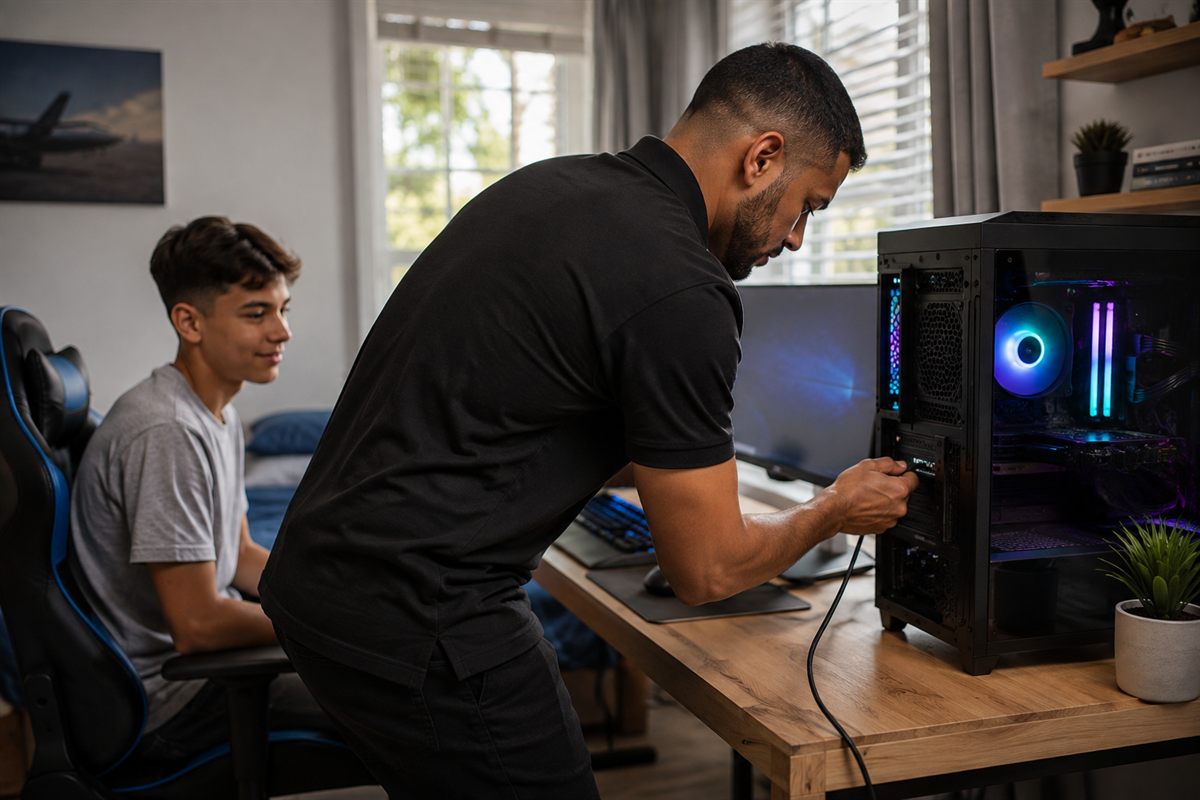
A client called us recently because her son's gaming PC had stopped working.
She wasn't calling to order a new computer. She wanted someone to come out, look at the machine she already had, and tell her what actually made sense. Could it be fixed? Was an upgrade worth it? Or was she looking at a new PC whether she liked it or not?
If you're reading this, there's a good chance you're in the same spot. The desktop dies, and the person left holding the decision is a parent, not a PC builder. Nobody's sure what the sensible move is — and a machine that won't turn on doesn't give you much to go on.
The first question isn't "repair or replace?" — it's "what's actually wrong?"
You can't honestly answer "repair, upgrade, build or buy" until you know what failed and how old the machine is. A dead PC isn't one problem. It's a power supply that gave up, RAM that died, a drive that's failing, or a CPU that's been overheating for months. Those are very different situations with very different price tags.
So the useful first step — before any talk of spending — is finding out what's actually wrong with what you already own. That's what we did for this client: we looked at the existing machine first, and worked from there.
What a diagnosis usually turns up
Without a diagnosis you're guessing — and guessing is what leads people to buy a new PC when a small fix would have sorted it, or to pour money into an old machine that will never run the games the kid actually wants.
- A failed or weak power supply — a common reason a PC won't power on, and usually an affordable fix.
- Dead or faulty RAM — shows up as random crashes and restarts.
- An overheating CPU — years of dust, cheap to fix, dramatic difference.
- A dying hard drive or a corrupt Windows install — sometimes a quick SSD swap changes everything.
Some of these are quick, affordable fixes. Others — like a damaged motherboard — can cost more than the machine is worth. The point of finding out is that you know which situation you're in before you spend.
When a repair or upgrade makes sense
If the machine is only a few years old and the fault is something small, repairing it and adding a bit of modern hardware can turn it into a genuinely capable gaming PC — for a fraction of what a new build costs.
The upgrade path is worth taking seriously: replace the power supply, add a proper graphics card, swap the old drive for an SSD. For a lot of games, that's most of what matters.
When a new machine makes more sense
Sometimes repair isn't the value play. If the machine is old enough that fixing it starts to cost nearly half of what a newer one would, or if the games he wants to play simply outgrew the hardware years ago, replacing it is the honest answer.
The comparison that matters isn't "new vs repair." It's what you'd end up with, and what it costs to get there. A repaired ten-year-old tower is still a ten-year-old tower.
Build it yourself, or buy one?
If a new machine is the right call, the next question is build or buy — and there's no single right answer.
Building gets you the most performance per rand, and upgrading later is easier. It also needs research, assembly, and a bit of troubleshooting patience.
Buying a prebuilt is the faster, lower-risk route: one purchase, one warranty, no assembly. You usually pay a convenience premium, and upgrades are harder later.
Neither is wrong. It depends on how comfortable you are with the process, and how much your time is worth. For a first gaming PC, a reputable prebuilt is a perfectly sensible call.
A rough sense of budget
To give you a rough sense of scale in South Africa in 2026: a capable 1080p machine starts in the mid-teens to low-twenties thousands of rands. A solid mid-range build that will handle new games for a few years lands roughly between R30,000 and R40,000. High-end starts around R55,000 and up.
Prices move with stock and the exchange rate, so treat these as a sense of scale rather than a quote. And remember the point of this whole process: where a repair or upgrade is possible, it's almost always cheaper than any of those numbers.
The tower isn't the whole decision
When we visited that client, we didn't just look at the dead PC. We looked at the monitor, the keyboard and mouse, and how the whole thing sat in the room — because the right recommendation depends on more than the case.
A new tower on a tired old monitor can feel like a letdown. A modest machine on a good 144Hz monitor can feel great. And online games live or die on the connection in that room, which has nothing to do with the parts inside the PC.
It's worth treating the whole setup as one decision, rather than assuming the tower is the only thing that matters.
What to have ready before you spend
Two things make this conversation useful.
First, what the machine will actually run. The games he plays — or wants to play — decide what hardware matters, and whether an old machine can be coaxed into being good enough.
Second, how long you want it to last. A machine bought for what he plays today is a different purchase from one bought to handle the games coming in two or three years. Knowing which you're buying for changes the sensible spend.
That's the real answer to the question we get asked: it's not about choosing the popular option, it's about knowing what you already have and what you're trying to achieve — and letting that drive the decision.
If you're in this situation — a machine that's died, and you don't know whether to repair, upgrade or replace it — that's exactly the sort of problem we're happy to help you work through. It starts with someone actually looking at what you already have.
Keep Reading
- What South African PC Builders Are Buying Right Now — a look at the parts people are actually speccing this year.
Product details, prices and availability change often. Always confirm on the product page before purchasing. See our Terms for details.